ANSYS CFD in Practice
Master CFD simulation with ANSYS Fluent through 16 real-world engineering projects.
A complete, project-based CFD and ANSYS Fluent training program that takes you from geometry and meshing to simulation, post-processing and engineering analysis through 16 real-world projects.
Two ways to take the course: the same 26 lectures and 16 projects either way. The difference is how much live time you get with Dr. Mohammad.
01 Geometry & CAD
ANSYS SpaceClaim
Every CFD simulation starts with a geometry that is ready for analysis. Create, edit, simplify and prepare 3D engineering models, and extract the fluid domain the solver needs.
Build the geometry. Prepare the model. Start the simulation correctly.
02 CFD meshing
ANSYS Meshing
A good CFD solution starts with a good mesh. Topology, element quality, sizing, inflation layers and local refinement, and what each one costs in accuracy, stability and run time.
Understand the mesh, don't just generate it.
03 CFD simulation
ANSYS Fluent
This is where geometry and mesh become a working numerical model. Define the physics, materials, boundary and operating conditions, solution methods and numerical controls, and know why each one is chosen.
Set up the physics. Solve the problem. Trust the results.
04 Post-processing
CFD-Post
A converged simulation is not the end of CFD, it is where engineering analysis begins. Contours, vectors, streamlines, plots and quantitative reports.
Turn simulation data into engineering decisions.
26 lectures 16 projects 4 programs 1 workflow
Course introduction
The course in ten minutes
Dr. Mohammad walks you through the four stages, the sixteen projects and how the live hours work, so you know exactly what you will build before you enrol.
How the course runs
Recommended learning path
The course is completely self-paced, but a structured 10 to 12 week progression is recommended, based on the syllabus milestones.
- W1–2
Weeks 1 to 2 — CAD
ANSYS SpaceClaim
Build and prepare engineering geometries in ANSYS SpaceClaim.
- W3–5
Weeks 3 to 5 — meshing
ANSYS Meshing
Mesh fundamentals, quality metrics, mesh methods and inflation, then applied to the projects.
- W6–10
Weeks 6 to 10 — ANSYS Fluent
ANSYS Fluent
Solver theory, physics setup, boundary conditions, turbulence modelling, advanced models and complete project simulations.
- W11–12
Weeks 11 to 12 — CFD-Post
CFD-Post
Presentation-ready CFD results using contours, streamlines, charts, animations and other visualisation techniques.
After the path
Graduation project
Once you finish the four stages, you complete one CFD project of your own, from geometry to results, and submit it to Dr. Mohammad.
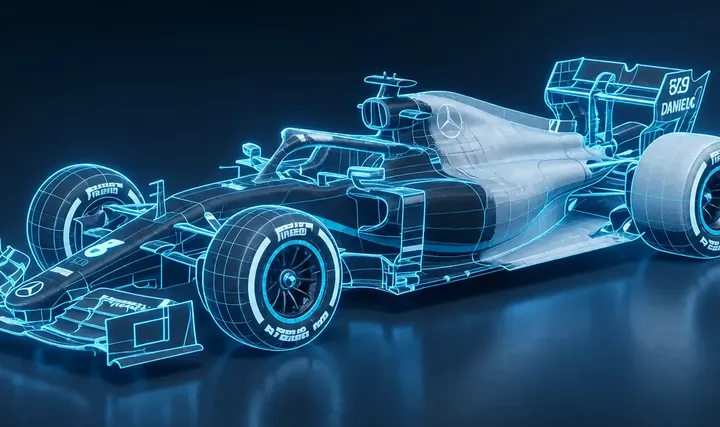 01Geometry
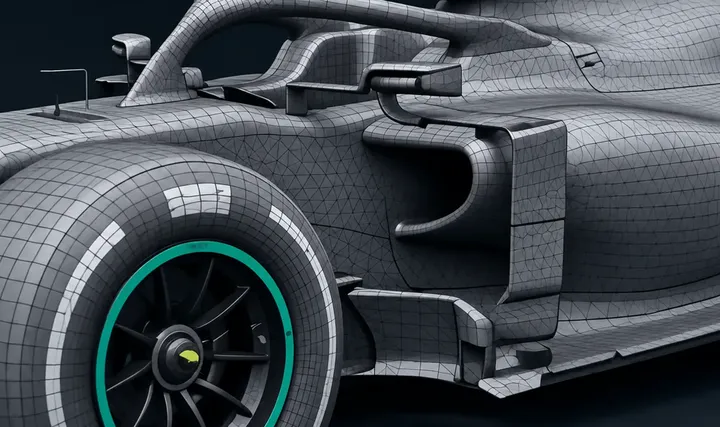 02Mesh
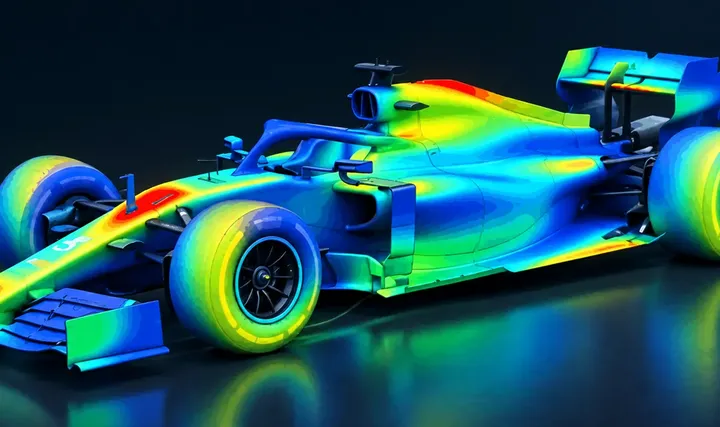 03Fluent
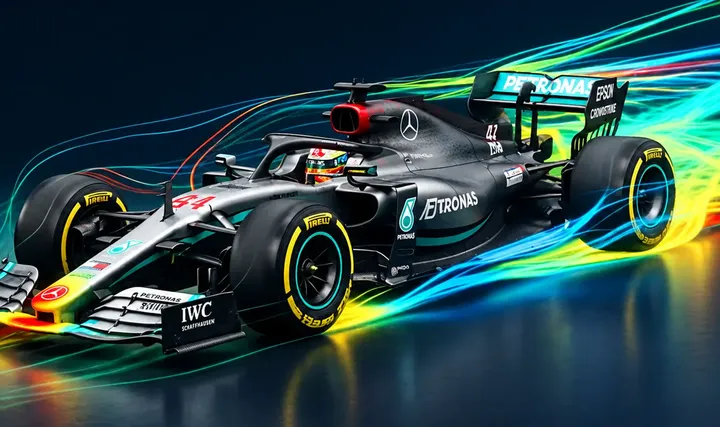 04Results
Then
Your certificate
After your project is submitted, you receive a verified Certificate of Completion in CFD and ANSYS Fluent training.
Certificate of Completion
Your Name
has completed ANSYS CFD in Practice, the full CFD and ANSYS Fluent training: 26 lectures, 16 engineering projects and a graduation project.
Two ways to take the course
The same 26 lectures and 16 projects either way. The difference is how much live time you get with Dr. Mohammad.